 Disciply
You have the app
Open Disciply from your home screen anytime.
iPhone or iPad Your phone
- Open disciply.org in Safari.
- Tap ••• next to the address bar, then tap Share.Older iPhones: just tap the Share button at the bottom.
- Scroll down and tap Add to Home Screen.
- Leave Open as Web App on, then tap Add. Disciply is now on your home screen.
Android Your phone
- Open disciply.org in Chrome.
- Tap Install when the Disciply card pops up.
- No card? Tap the menu and choose Install app or Add to Home screen.
Then sign in
Open Disciply from your home screen. Sign in with your email, then type the 6-digit code we send you.
Share Disciply

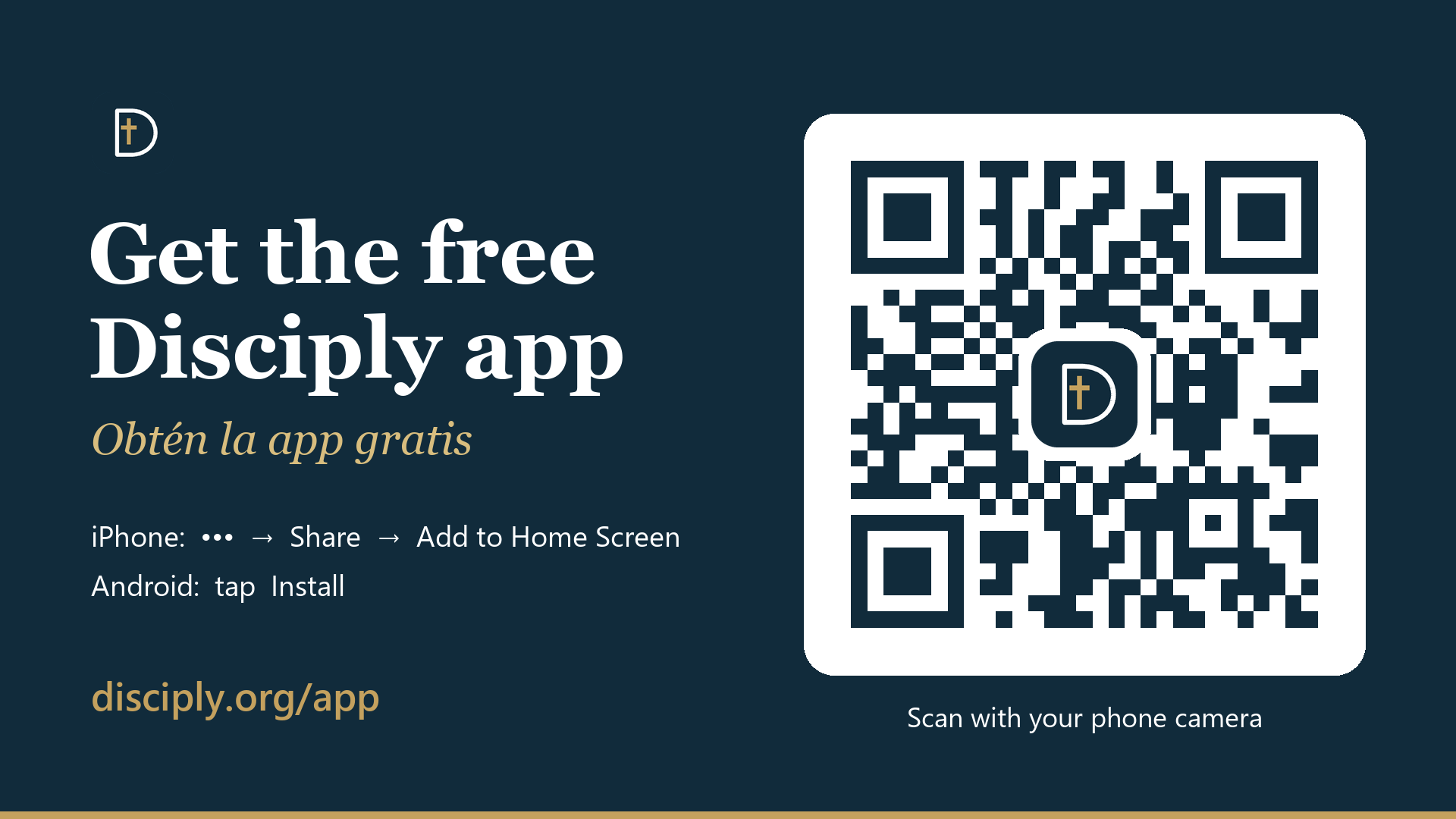
Send this page to friends, or put the QR code on a slide or flyer.